


Simplify
SAP Change.
Integrate
SAP in SmartITSM
Control SAP Changes directly with SmartITSM from REALTECH
Simplify
SAP Change.
Are you looking for a smart solution for your SAP change management? In a hands-on demo, you can learn how SmartChange automates transport management and optimizes release cycles in your company.
- Experience the functions of SmartChange in action
- Discover individual benefits for your company
- Discuss your scenario and ask us any questions you may have

Your personal contact:
Alexander Frei
Demos can be booked up to 3 weeks in advance. For a later or different date, please use the option “No slots available” on our demo page.
Privacy or firewall settings may block the form. In that case, please contact us by email.
SAP-ITSM integration from REALTECH: It pays off!
With SmartITSM, you can consolidate your SAP and IT operations. This integration enables automatic synchronization between SAP and REALTECH SmartITSM. As a result, data silos and manual data reconciliation are a thing of the past.
By combining SmartChange and SmartITSM, you establish end-to-end change processes, ensure seamless documentation across system boundaries and simplify SAP change and transport management sustainably. This increases process quality and saves valuable resources at the same time.
SAP Change Integration: How SAP operation works with REALTECH
The simple integration of SAP operations in REALTECH SmartITSM saves you valuable time and resources. You avoid unnecessary media disruptions, reduce human error during manual data synchronization and sustainably increase efficiency and quality in SAP change and transport management.
Seamless Change Processes
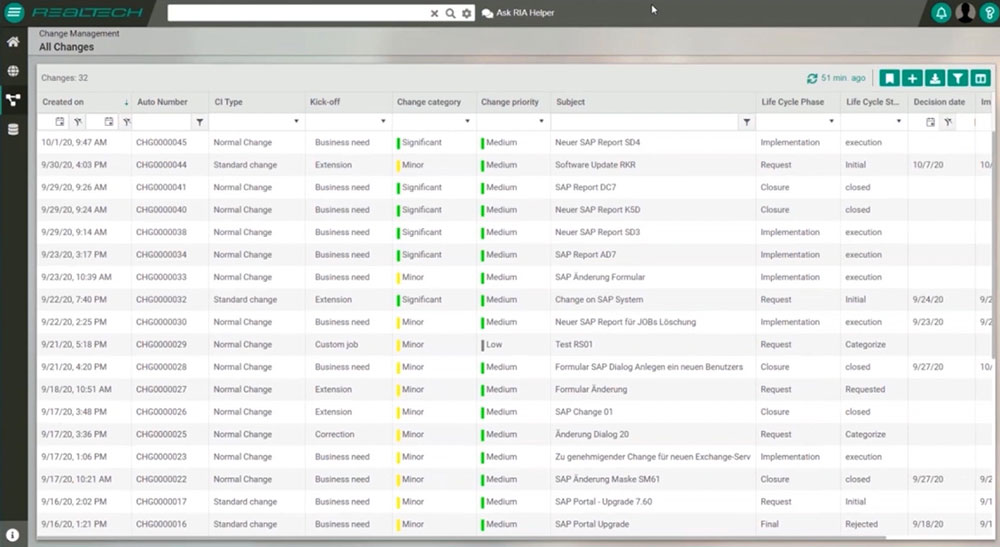
The bidirectional connection between SAP and SmartITSM allows you to directly control your SAP transports in SmartITSM from creation to release. The integration allows you to harmonize parallel existing systems and achieve central, secure IT service management.
Easy Automation
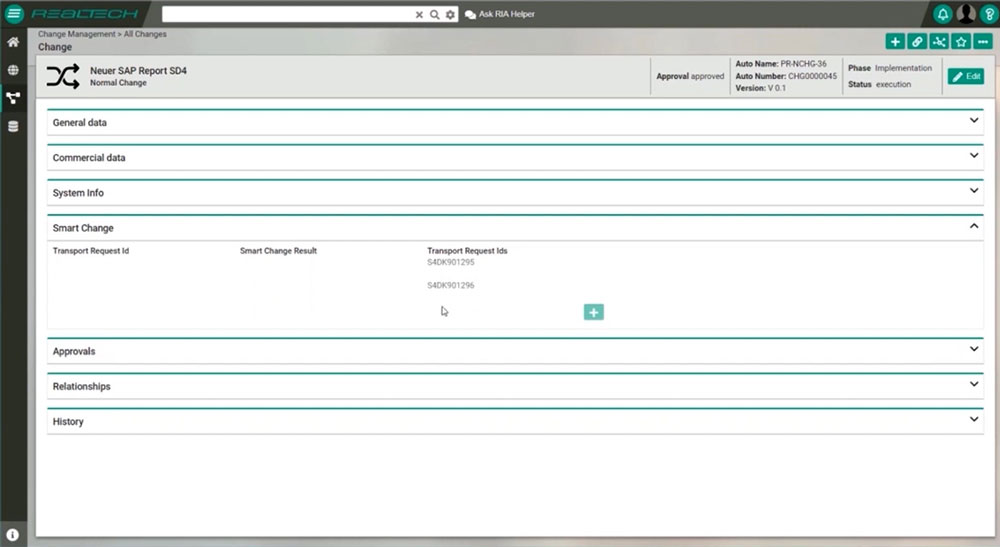
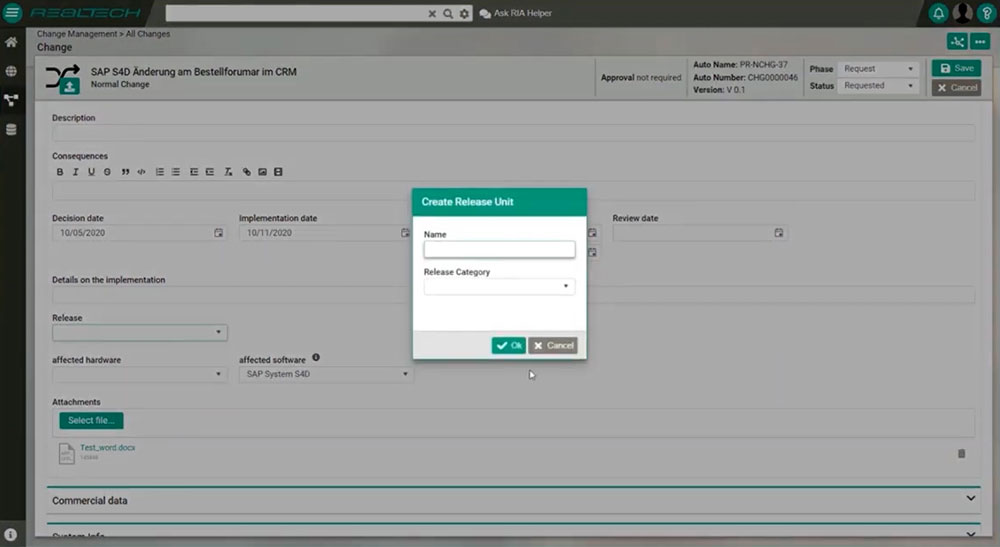
Integrating REALTECH with your SAP systems enables effortless automation and seamless data transfer via a user-friendly interface. This saves time and costs, reduces manual effort and avoids errors. You can synchronize all process steps, from the creation of an SAP transport request to release, import into the target systems and status feedback.
End-2-End Documentation
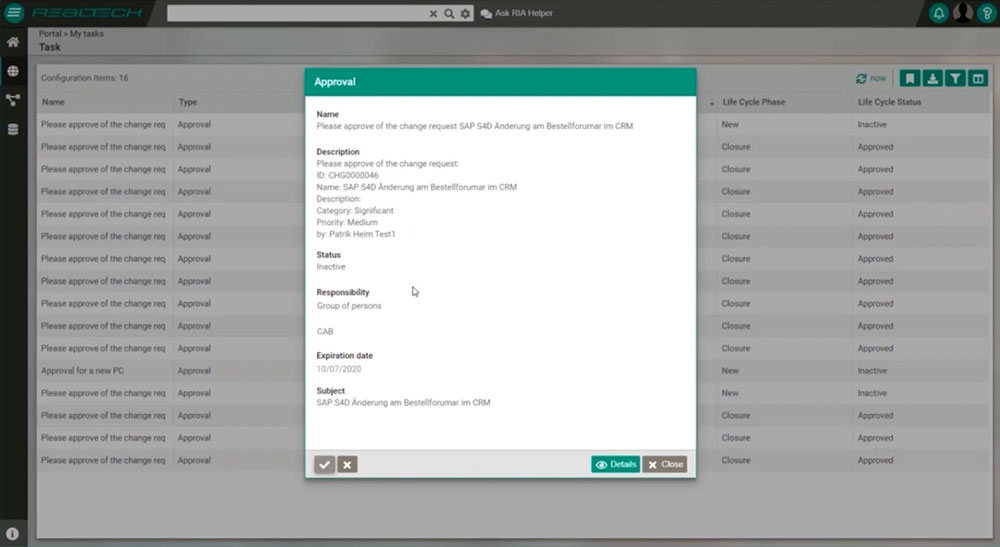
Seamless documentation of your change processes is essential in order to reliably meet compliance and governance requirements. Thanks to automatic synchronization between SAP and REALTECH SmartITSM, you can document the entire process across system boundaries and are therefore audit-ready at all times.
Success Story
SAP Change Management after SolMan
How VEJA implements a smart alternative to SAP ChaRM
Usability in Focus
Thanks to the straightforward user interface, the central functions for managing SAP transports are easily accessible and transparent in SmartITSM. It doesn’t matter whether users work in the ITSM tool or directly in SAP. Thanks to the bidirectional integration, all process steps can be viewed in both systems.
Simplify
SAP Change.
Are you looking for a smart solution for your SAP change management? In a hands-on demo, you can learn how SmartChange automates transport management and optimizes release cycles in your company.
- Experience the functions of SmartChange in action
- Discover individual benefits for your company
- Discuss your scenario and ask us any questions you may have
Your personal contact:
Alexander Frei
Demos can be booked up to 3 weeks in advance. For a later or different date, please use the option “No slots available” on our demo page.
Privacy or firewall settings may block the form. In that case, please contact us by email.
SAP-ITSM Connector
Your benefits with SmartChange
End-to-End Change Processes
Integrating SAP Changes with ITSM creates a seamless process that spans everything from ticket creation to approval, transport, and documentation. All steps remain interconnected, responsibilities are clearly defined, and SAP Changes are managed in a traceable manner across system boundaries.
Ready to use in a few days
SmartChange is designed to make SAP change and transport management accessible without the need for a lengthy implementation project. When combined with SmartITSM, it creates an integrated solution for SAP-related ITSM processes that can be quickly implemented and easily operated. For more tips based on project experience, see the Best Practice Guide for SAP ITSM Integration.
Ready for the post-SAP SolMan era
Now that SAP Solution Manager is no longer supported, companies need an alternative for ChaRM-compliant processes. SmartChange and SmartITSM combine ITSM, transport management, and documentation into a modern solution for SAP change management.
FAQs
SAP Transport Integration for SmartITSM
Using SmartITSM-SAP integration, you can establish bidirectional communication between your SAP landscape and REALTECH SmartITSM. This allows you to link actions in the respective systems almost arbitrarily.
SAP and SmartITSM must be mutually accessible for communication. The connection is made via Data Webservices over HTTPS. On the SAP side, a dedicated SAP gateway can also be fully supported.
You can connect any SAP system licensed for SmartChange to REALTECH SmartITSM. Technically, there is no limitation.
A SmarITSM project is connected to a SmartChange TM controller. One SmartChange TM controller can be connected to multiple SmartITSM projects.
SmartITSM defines for which development systems transport requests can be created. All development systems configured in the TM Controller can be selected.
All transaction types are supported and can be linked to SAP transport requests. In the SmartChange area, the SAP transport requests as well as the transport requests of the subordinate activities are displayed.
Simplify
SAP Change.
Are you looking for a smart solution for your SAP change management? In a hands-on demo, you can learn how SmartChange automates transport management and optimizes release cycles in your company.
- Experience the functions of SmartChange in action
- Discover individual benefits for your company
- Discuss your scenario and ask us any questions you may have
Your personal contact:
Alexander Frei
Demos can be booked up to 3 weeks in advance. For a later or different date, please use the option “No slots available” on our demo page.
Privacy or firewall settings may block the form. In that case, please contact us by email.